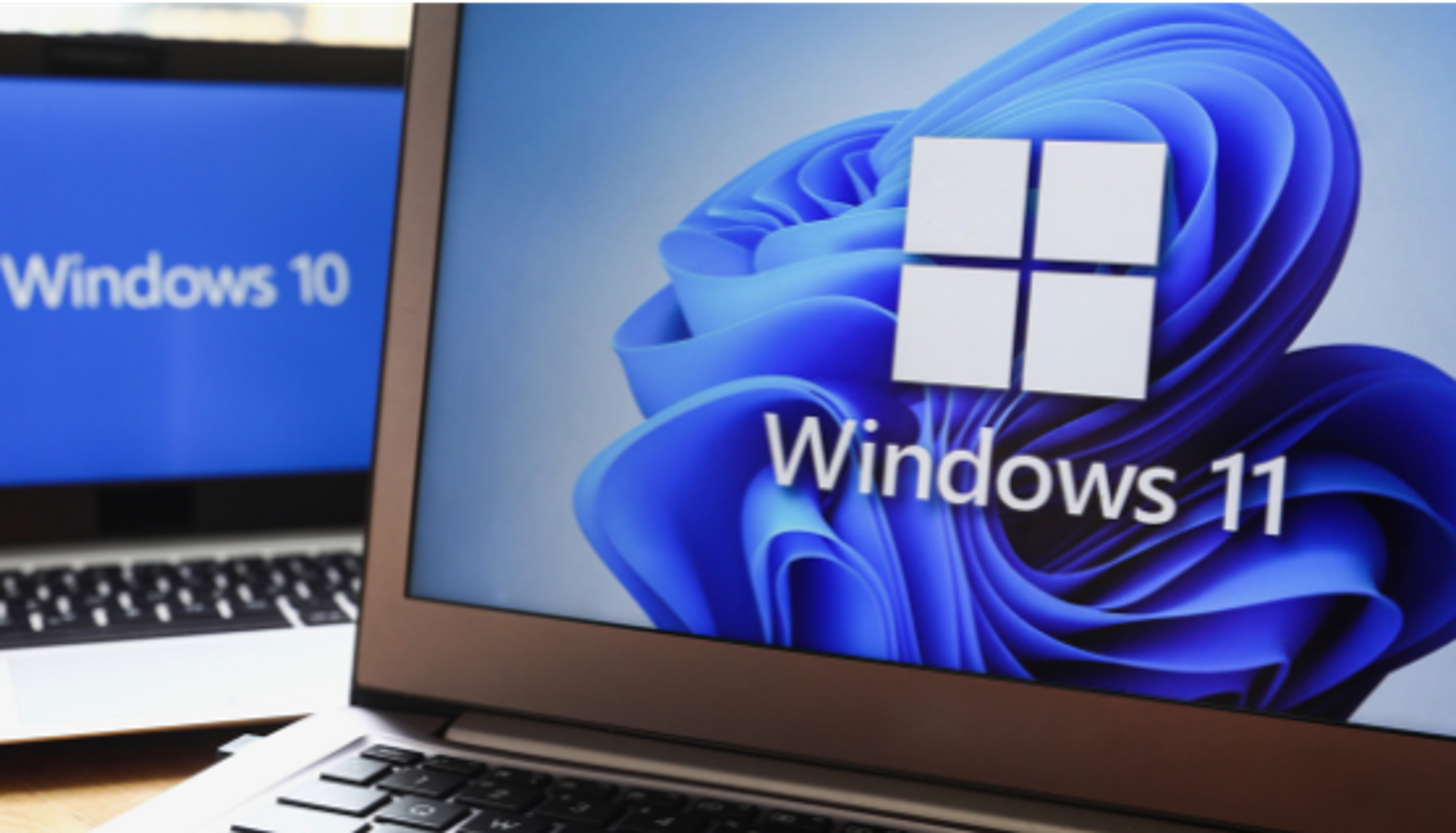
Wrapping Your Head Around Windows 10’s Farewell: What Lies Ahead?
Tech enthusiasts, lend me your ears! We’ve all heard the whispers—the day is approaching when Windows 10 will ride off into the sunset. But hey, no need to freak out just yet. Let’s get into the nitty-gritty of what “End of Life” really means for Windows 10. And yeah, we’ll shine a light on what’s special about this whole KB5001716 update shebang and why it’s high time to eye that slick Windows 11 upgrade. Got your favorite brew? Let’s jump into this adventure!
So, What Exactly is Windows 10 End of Life?
Real talk: By October 2025, Microsoft will bid adieu to Windows 10 updates and support. It’s kinda like your favorite action star retiring. Sad but inevitable. No more security patches or fixing those nagging bugs, and that’s vital, my friends, to keep our digital fortresses safe from cyber bandits.
Is it just me, or does 2025 feel like it’s creeping up like a sneaky cat? Wild times ahead!
The Scoop on the KB5001716 Update
Let’s dish about the rockstar of updates, shall we? Meet KB5001716—a real game-changer. Think of it as the trusty bridge from your familiar Windows 10 shores to the new and fancy land of Windows 11. It’s more than just another update; it’s Microsoft smoothing the path for those stubborn old systems wanting a fresh start.
Here’s a zinger: This update majorly boosts Windows Update Service components. Go figure—it’s one of those crucial patches you really wanna have in your tech toolkit.
Why Cling to Windows 10 is Risky Business
Feeling attached to Windows 10? I get it. But sticking with it is like wearing a life vest full of holes—security-wise, you just aren’t safe. Those sneaky cyber villains are always lurking. And staying on Windows 10 is essentially inviting them to crash your digital party.
Besides, older systems tend to make life drag. I mean, would you really race a modern sports car with a jalopy? The retro feels are cool, but modern performance? Next-level stuff, folks!
Leaping Onto the Windows 11 Express
Now, here’s why you might wanna board the Windows 11 train pronto. Besides its slick design, it’s designed to tango with the newest hardware and beefed-up security features. Trust me, investing your time and cash in cutting-edge tech is pretty darn cool.
A bit of prep goes a long way! Make sure to check your systems for compatibility, back up your faves, and consider a hardware revamp if needed. Going for Windows 11 isn’t just an update—it’s an epic upgrade!
Decoding Those Microsoft Update Buzzkill Alerts
Ah, those pesky update pop-ups! Don’t they always show up when you’re in the zone? But hey, handle them wisely, and they’re no bother. Microsoft’s got this notification thing down to an art, keeping you in the loop for every update. Next time, think of it like a friendly reminder from your tech-savvy neighbor.
If you’re keen on the finer points, head over to Microsoft’s site for the lowdown on their update notifications and timing.
In a Nutshell
As Windows 10 reaches its sunset, it’s not an end—it’s more like a fork in the tech road, leading to sparkling possibilities with Windows 11. Sure, there’s nostalgia in waving goodbye, but what awaits promises a safer and supercharged digital life. Stay ahead, stay informed, and lean into those updates—they’ve got your back!
For the official lowdown, straight from the big leagues, check out Microsoft’s Windows 10 End of Life Policy.